Connect existing systems
Keep the system that runs. Read it live, copy it in, or act on it.
Most of the business already lives in a database, an ERP or a ticket system that nobody will rewrite. There are three ways to bring it under one definition: federate it, so the rows stay where they are and every read is live; sync it in, so a job copies the rows one way into an ordinary object that members can read but not edit; or change it through a declared action, so a write goes to the source and the next pull brings it home. This page is how to choose — for the person who decides and for the agent that writes the binding.
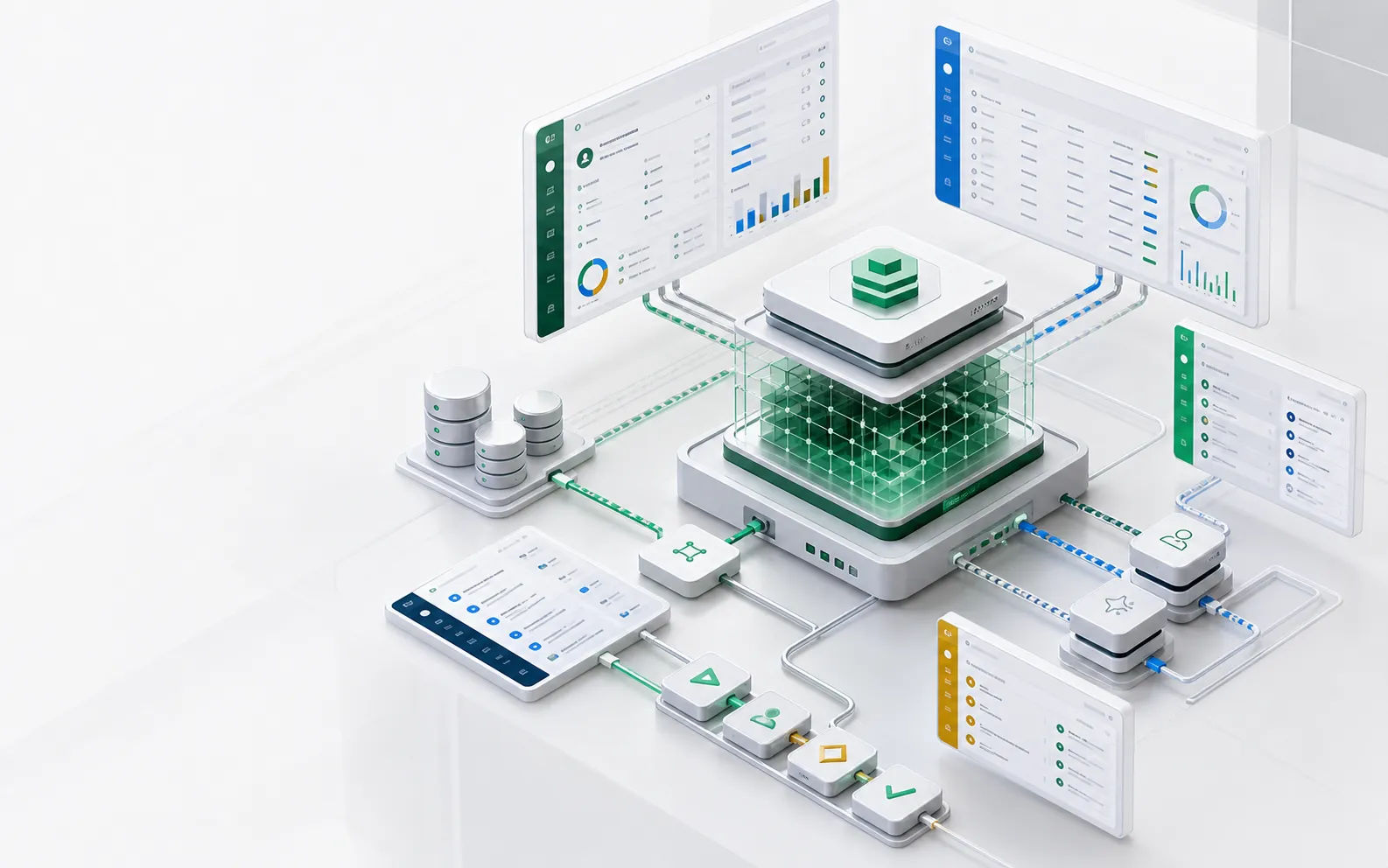
- 3 ways in
- Federate and read live, sync in one way, or change the source through a declared action
- 403
- What any edit, create or delete of a synced row gets over the data API — the pull is its only writer
- 1 run record
- Per pull, on sys_sync_run: rows read, created, updated and refused, and the position it reached
The whole binding
A mapping says what lands where. A job says when.
This is the sync-in half, as it ran on a scaffold of the current release: a federated table in an existing SQLite database, copied into a local object marked synced, every 20 seconds. The first run copied 25 rows; after one source row changed and one was added, the next run read 4 rows from the position the last one committed, updated 3 and created 1. The source key maps onto id, and the watermark is a field that only grows.
// The copy: an ordinary object, read-only to members.
export const OrderCopy = ObjectSchema.create({
  name: 'app_order_copy',
  managedBy: 'synced',
  sharingModel: 'public_read',  // a pulled row has no person owner
  fields: { order_no: Field.text(), status: Field.text(), /* … */ },
});

// What lands where: from the federated object, in windows.
export const OrdersPull = defineMapping({
  name: 'orders_pull',
  targetObject: 'app_order_copy',
  mode: 'upsert',
  upsertKey: ['order_no'],
  fieldMapping: [{ source: 'id', target: 'order_no' }, /* … */],
  datasourceSource: {
    object: 'app_legacy_order',  // external.columnMap: { order_no: 'id' }
    watermark: { field: 'updated_at', start: '2020-01-01T00:00:00.000Z' },
  },
});

// When: every run reads on from the last committed position.
export const OrdersPullJob = defineJob({
  name: 'orders_pull_job',
  schedule: { type: 'interval', intervalMs: 20000 },
  pull: { mapping: 'orders_pull' },
});
The three ways in
Live, copied, or acted on
The question is not which connector to buy but whether a copy would be wrong. Make the object federated when a copy would be wrong — computed on request, not allowed to land, or changing faster than a sync could follow. Copy it in when a copy is merely convenient: reports, joins with your own objects, questions over the data, a slow or fragile source. Reach for an action when something must change in the source system.
Federation
The source database or OData service is declared as an external datasource and its tables are bound as objects. The data stays in the source; each read is forwarded to it, live. Read-only by default.
One-way sync-in
A job pulls a mapping’s source — a REST or OpenAPI connector, or a federated object — into an ordinary object marked managedBy: 'synced'. Members read it like any object and cannot edit it. Each run leaves a record.
Write back through an action
A declared action calls the source system through a connector, with the connector’s own credential. The local copy is not edited; the next pull brings the change home. There is no two-way sync.
Legacy modernization, one domain at a time
The pillar guide on keeping the system of record in place while new workflows, screens and agents grow around it.
Federation
Leave the rows where they live and read them live
Federation reads a mature database the platform does not own, through the same query engine, REST surface and permission checks as a native object. ObjectStack never runs DDL against it.
What it reaches
Postgres, MySQL and SQLite through the built-in SQL driver, Oracle and SQL Server for federation only, and OData v4 and v2 services such as SAP S/4HANA and Dynamics 365 through the shipped OData driver.
Read-only by default
A write needs two opt-ins: allowWrites on the datasource and writable on the object. With either off, an insert, update or delete is refused with 403 EXTERNAL_WRITE_FORBIDDEN.
Reports over the remote table
Dashboards and reports over a federated object aggregate against the right remote table and columns, through the driver’s own table resolution.
Limits by design
No joins across datasources. Through a plugin driver, OData included, a read matching more than the row cap — 1,000 by default, 10,000 at most — is refused rather than answered from a part, and a read scoped by a parent record’s access is refused. An outage answers 503, never an empty list.
One-way sync-in
Copy the rows into an object members can read but not edit
Sync-in is declared on its target. A mapping in upsert mode says where the rows come from and how a pulled row matches a stored one; a job whose pull names the mapping says when. Once copied, the rows are an ordinary object: every query operator, report and permission rule applies, and the source is not touched by a read.
Two kinds of source
A connectorSource reads a REST or OpenAPI connector, one response per run. A datasourceSource reads a federated object in windows cut on its watermark field, and each run reads on from the position the last one committed.
Read-only to everyone but the pull
A synced object opens no create, import, edit or delete. An edit, create or delete over the data API is refused with 403 — an administrator’s too — and userActions cannot open a write. CSV export stays open.
A record of every run
Every pull leaves one sys_sync_run row: the mapping, the job run that drove it, the rows read, created, updated and refused, where it read from and the position it committed, and how it ended. Rows are kept 30 days, except the one holding each mapping’s position.
Permissions start from zero
The source system’s permissions do not travel with its rows. A pulled row has no person owner, so you author the object’s sharing model and grants locally; os validate recommends public_read, or private with a sharing rule that grants read.
Write back
Change the source through a declared action; the next pull brings it home
A change to source data is made in the source. The action that makes it is declared metadata: in source it reaches a person as a diff, and on ObjectOS Cloud a change to a live app that already holds records waits as a draft for a person to publish. It runs through the same action door as any other action and calls the source with the connector’s own credential — the agent never gets a database account.
A declared action calls the source
An action of type flow starts a flow whose connector_action node sends the change to the source system. Measured: the action sent PATCH /tickets/T-2 to the source, and the local row still read open.
The next pull reconciles
At the next scheduled pull the job read the source again, and the local row read closed. The copy changes only when the pull writes it, so the source stays the system of record.
No two-way sync
No automatic write-back, no conflict merge and no edits overlay on the copy. A refused edit tells the user exactly this: change the source through a declared action instead.
In development
Not in the current release
Being built on the same sync-in kernel. Each is described from the public design record, ADR-0153, and the two Enterprise items from the edition split on objectstack#31763.
Source deletes, marked
A row the source no longer has is marked as deleted at the source, and the mark clears if the row comes back; a pull never deletes a row physically. The deletePolicy and deletedField keys are declared and change nothing yet.
Provenance on every row
Platform columns on each synced row: the mapping that wrote it, its key in the source, when a pull last wrote it, and the run. The _sync_ prefix is already reserved for them.
Paging for connector pulls
A declared paging convention — page, cursor or offset — so a connector pull reads every page instead of one response.
The Studio sync wizard
Create the synced object, the mapping and the pull job from the datasource page, with the sharing model, cadence and run history; today a pull job is declared in code.
Warehouse drivers
Snowflake and BigQuery as plugin driver packages, so a warehouse table is a pull source through its own dialect.
The sync-in guide
A guide and agent skills that teach the three-way rule, the write-back answer and the mapping and job shapes.
Record-level lineage
Where each record came from and what it fed, record by record.
Label-based access control
Access decided by labels on the data, with purpose restriction on how it may be used.
Decision table
Federation or sync-in, question by question
| The question | Federation | One-way sync-in |
|---|---|---|
| Live or copied? | Live: each read goes to the source system | Copied on the job’s schedule; each run reads on from the last committed position |
| Joins and reports | Reports aggregate against the remote table; no joins across datasources | The rows sit in the platform’s own database, so filters, totals and reports run locally |
| Large reads | Through a plugin driver, OData included, a read over the row cap (1,000 by default, 10,000 at most) is refused | A built-in SQL source is read in windows with no row cap |
| An agent asking questions | Every question is a live query, at the source’s speed and within the cap | Questions query the local copy; the source is not touched |
| Permissions | Set on the object in ObjectStack, like any object | Configured locally from zero: the source’s permissions do not travel with its rows |
| Write-back | Off by default; on with two opt-ins, datasource and object | Members cannot edit the copy; a declared action changes the source and the next pull brings it home |
| When the source is down | Reads answer 503, never an empty list | The copy keeps serving; the next run catches up |
Review checklist
Before an agent writes the binding, decide
- Whether a copy would be wrong — computed, not allowed to land, or real-time means federate.
- Who may read the copy: author its sharing model and grants, because nothing comes from the source.
- Which source column maps onto id, and which watermark field only ever grows.
- Which actions may change the source, and who may run them.
- Which deployment runs the pull job, with package-authored scheduled work switched on.
FAQ
Frequently asked questions
Is this two-way sync?
No. Sync-in is one way: the pull is the only writer of a synced object. A change to the source goes through a declared action that calls the source system, and the next pull brings it home. There is no conflict merge and no edits overlay.
Do the source system’s permissions come with the rows?
No. A synced object’s permissions are configured locally from zero. Its rows have no person owner, so an owner-scoped sharing model would hide them from every member: author public_read, or private with a sharing rule that grants read, and grant the object to the roles that should see it.
Can someone fix a wrong value in the copy?
Not over the data API: an edit, create or delete of a synced row is refused with 403 PERMISSION_DENIED, an administrator’s included, and the message says to change the source through a declared action instead. A local edit would be kept or overwritten by the next pull without anyone noticing, which is why the bucket refuses it.
Does ObjectStack transform or join data before it lands?
No. Pipelines and transforms are not built here: joining, cleaning and aggregating across sources is the job of the warehouse or the ETL vendor, who are partners, and ObjectStack syncs the result in. A mapping’s per-field transform converts one value at a time and does not grow into a pipeline.
What does a pull job need to run?
A mapping with one source, in upsert mode with an upsertKey, into an object declared managedBy: 'synced', and a job whose pull names it, declared in code. os validate refuses a pull that names a missing mapping or one with no source. A deployment runs package-authored jobs only once OS_AUTOMATION_SCHEDULED_WORK_ENABLED=true is set; it is off by default.
Where does ObjectOS come in?
Federation, sync-in and connector actions are part of the open-source ObjectStack runtime, Apache-2.0. To run it, the ObjectStack repository ships ObjectOS Community — the ghcr.io/objectstack-ai/objectstack image, os start and the Console, free and self-hosted — while ObjectOS Cloud is the hosted edition and ObjectOS Enterprise the self-managed, licensed one. ObjectOS comes in three editions: ObjectOS Community, open source and free to self-host; ObjectOS Cloud, hosted in the browser with nothing to install; and ObjectOS Enterprise, self-managed on your own infrastructure. Your ontology is ordinary ObjectStack metadata. Exporting it from ObjectOS Cloud or ObjectOS Enterprise to run on the open-source ObjectStack runtime is planned.
Next pages