How Manufacturing Teams Can Connect AI to Legacy Systems: Start with Reports and Work Orders, Not ERP Replacement
Manufacturing systems are often old, heavy, and difficult to replace. ERP, MES, WMS, equipment records, and work order systems need to keep running. A practical AI path starts by connecting existing systems and focusing on reports, work orders, and exception analysis.
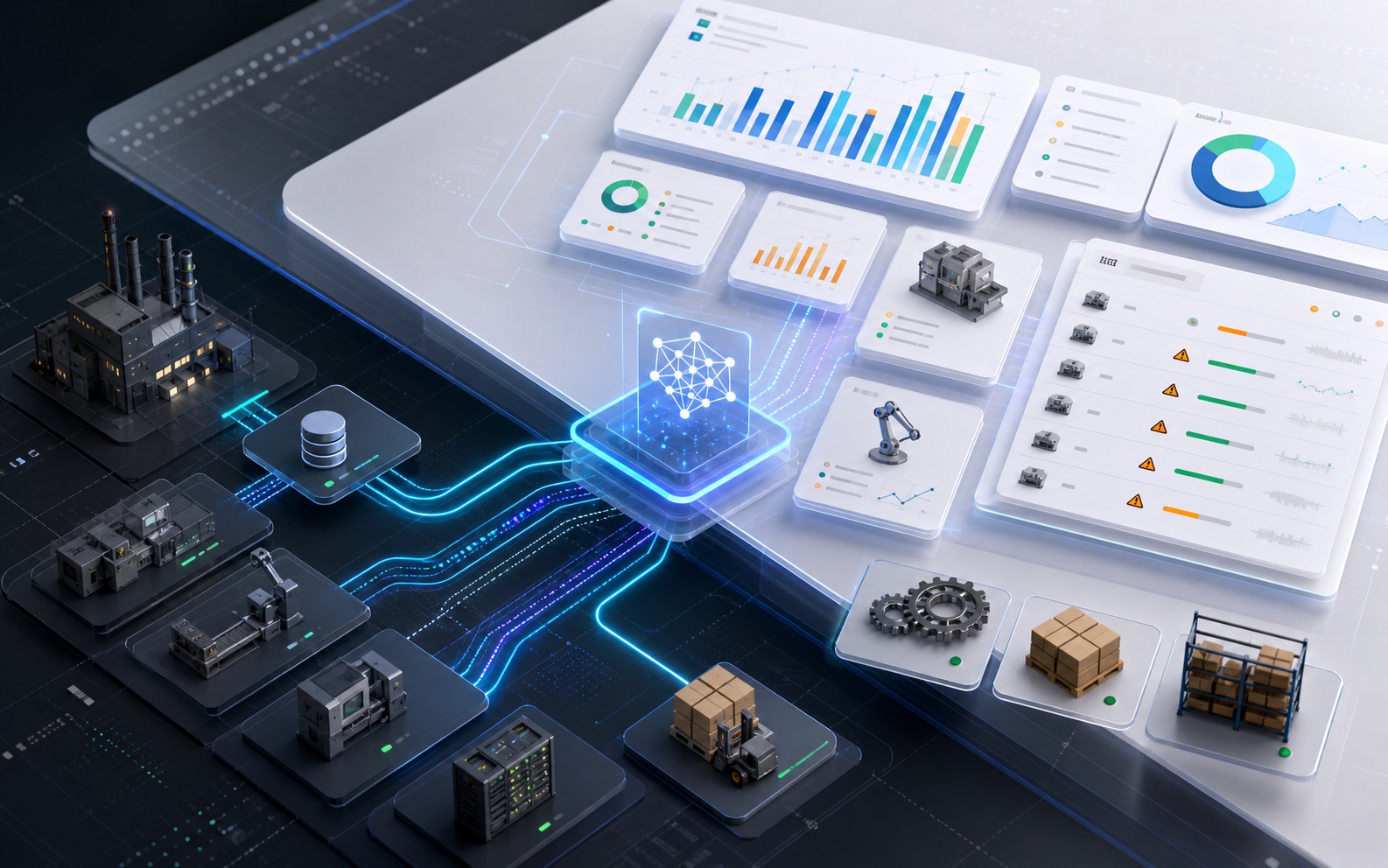
When manufacturers talk about AI, the conversation often gets stuck on one sentence:
“Our systems are too old.”
The ERP has been running for ten years. MES was customized years ago. Warehouse management and equipment records live in separate tools. Production reports are still stitched together in Excel. When you ask how to connect AI, vendors often suggest a new platform, a data platform, or a major system rebuild.
That may sound correct. It is also heavy.
For most manufacturers, the practical first step is not replacing ERP or rebuilding MES. It is choosing two entry points that can show value quickly:
Reports and work orders.
Why manufacturing cannot simply “add AI”
Manufacturing IT environments usually have three traits.
First, many systems.
Sales orders live in ERP. Production plans live in MES. Inventory and warehouse movement live in WMS. Equipment repair lives in a work order system. Quality data may live in spreadsheets or a separate tool. One business question often spans three or four systems.
Second, old systems.
Many systems were customized around the process that existed years ago. They still run, but no one wants to make large changes. Interfaces are incomplete, field names are inconsistent, and documentation is out of date.
Third, heavy operations.
Every action can affect real cost: downtime, rework, inventory pressure, late delivery, equipment failure, quality issues. AI cannot be allowed to experiment like a personal productivity tool.
So manufacturers should not start with a grand vision of a fully autonomous smart factory. A better path is to let AI help people see faster, query more accurately, and catch exceptions earlier on existing data.
First entry point: reports
Manufacturers already create reports every day:
- Order delivery status;
- Inventory turnover;
- Production plan attainment;
- Equipment downtime;
- Defect rate;
- Work order closure rate;
- Supplier delivery exceptions.
These reports usually have two problems.
First, they are slow. Data is exported, cleaned, merged, and put into pivot tables. By the time the report is ready, the issue may already be several days old.
Second, they answer fixed questions. If leadership asks, “Why is this customer’s order late again?”, the report may show that it is late, but it rarely lets the team follow the chain through order, inventory, production, and purchasing.
The first value of AI in manufacturing reporting is not prettier charts. It is natural-language follow-up:
“Which late orders this week are blocked by inventory?”
“Which materials are below safety stock but needed in the next two weeks?”
“Which machines had the most downtime in the last 30 days, and why?”
“Which supplier delays are affecting the production plan?”
These are not generic chat questions. AI needs to query ERP, MES, WMS, or work order data under permissions, aggregate the result, and explain what is happening.
This can be entirely read-only. Nothing changes in the production systems, but managers get answers faster.
Second entry point: work orders
Work orders are an excellent AI pilot area in manufacturing.
They are already structured:
- Who submitted the issue;
- Which equipment is involved;
- What the issue is;
- Severity;
- Current status;
- Owner;
- Repair history;
- Close reason;
- Production impact.
The first AI capabilities are practical:
- Summarize equipment failure history;
- Detect repeated issues;
- Recommend issue categories from descriptions;
- Find overdue work orders;
- Summarize frequent exceptions on a production line;
- Generate maintenance weekly reports;
- Find similar past cases.
These are much closer than predictive maintenance. If you have work order data, you can start.
Work orders are also lower risk than core ERP transactions. Letting AI read work orders, summarize issues, and flag overdue items is usually easier to approve internally.
Automation comes later
Manufacturing teams are right to be careful. Production systems should not be modified casually.
AI automation should therefore be layered.
Layer one: read-only analysis.
AI queries reports, summarizes work orders, and identifies exceptions. It does not write to operational systems.
Layer two: suggested actions.
AI suggests escalating a work order, reminding an owner, or reviewing a supplier, but a person confirms the action.
Layer three: low-risk automation.
If an equipment issue has not been acknowledged after four hours, notify the supervisor. If the same issue appears three times in seven days, mark it as recurring. If spare parts fall below a threshold, create a purchase suggestion.
Layer four: high-risk approval.
Anything that changes production plans, purchase orders, inventory locks, customer delivery commitments, or downtime decisions should require human confirmation and audit.
This may sound conservative. It is the right posture for manufacturing. Stable beats flashy.
How can AI understand ERP without replacing ERP?
Many teams assume AI requires replacing the system first. It does not.
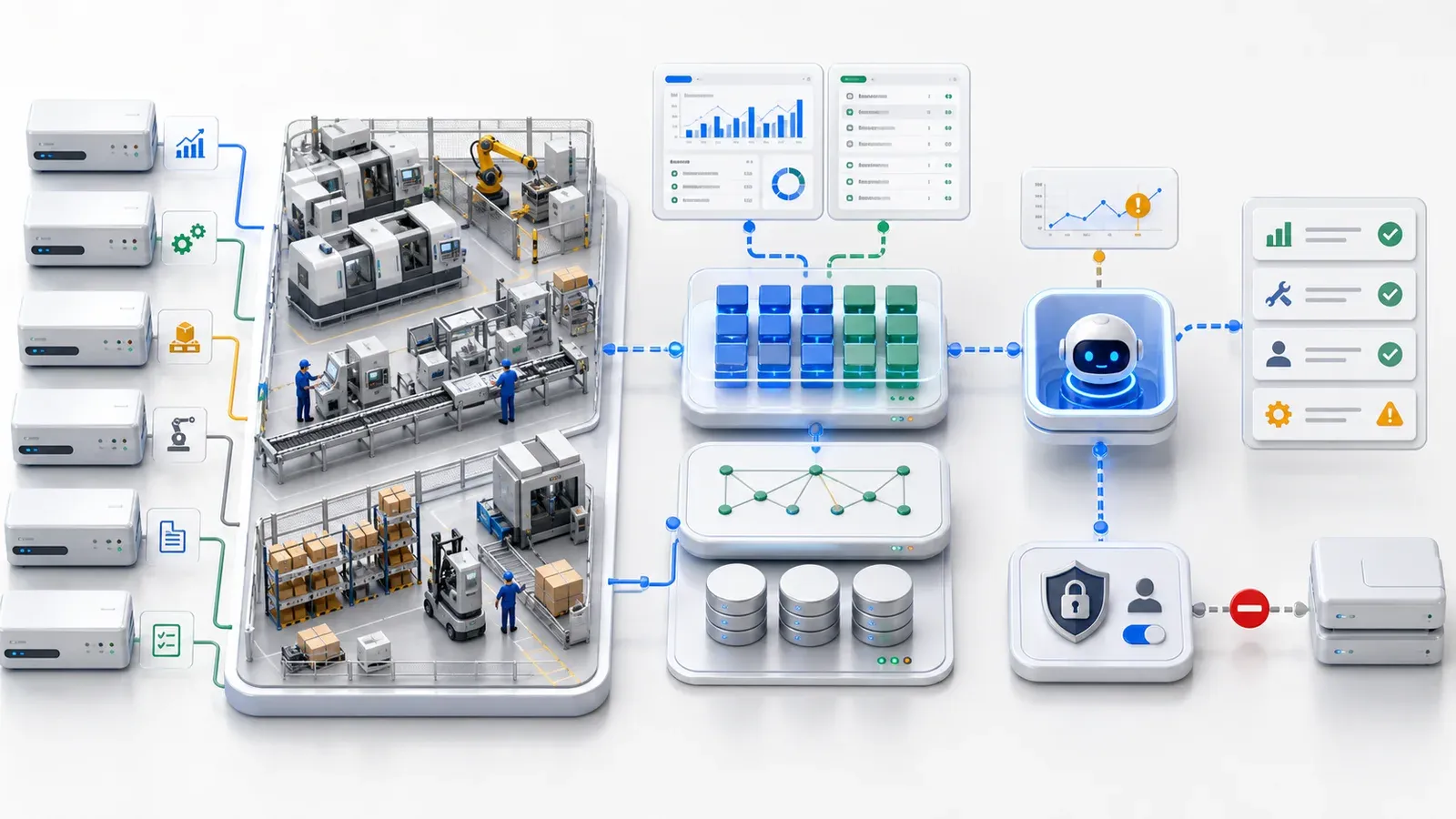
A lighter path is to connect the existing ERP or database and model the key data as business objects.
For example:
- Sales order;
- Production order;
- Material;
- Inventory;
- Purchase order;
- Supplier;
- Equipment;
- Work order;
- Quality record.
Once these objects exist, AI does not need to face raw table names and field names. It can work with business concepts: orders, materials, inventory, work orders, equipment, and their relationships.
Permissions matter just as much:
- A plant supervisor can see only their plant;
- Procurement can see suppliers and purchase data;
- Sales cannot see sensitive cost fields;
- Executives can see rollups;
- AI cannot exceed the user’s own permissions.
This is what allows AI to enter real manufacturing workflows instead of staying in document Q&A or dashboard screenshots.
A practical 30-day pilot
If a manufacturing company wants to validate AI in 30 days, the pilot can be simple.
Week one: choose the scenarios.
Do not cover the whole plant. Pick one reporting scenario and one work order scenario. For example: late order analysis and equipment repair work order summaries.
Week two: connect data.
Connect the necessary ERP, MES, WMS, or work order tables and APIs. Use read-only connections.
Week three: model objects.
Model orders, materials, inventory, equipment, and work orders. Add field meanings, relationships, and permissions.
Week four: launch a read-only AI assistant.
Let managers ask reporting questions in natural language. Let maintenance supervisors query work orders and failure history. Do not write to production systems yet.
If the first month reduces report preparation time, shortens exception investigation, or helps supervisors catch issues earlier, the pilot has value.
After that, discuss automatic reminders, escalation, and task generation. Do not start by trying to automate scheduling.
The key is not the model. It is the boundary.
Manufacturers do not need an AI that sounds impressive.
They need an AI that knows what it can see, what it cannot see, which data it can query, which data it cannot modify, and how every action is audited.
Manufacturing AI needs a few ground rules:
- Start read-only;
- Inherit existing permissions;
- Require confirmation for high-risk actions;
- Audit critical operations;
- Do not require a full system migration;
- Start with reports and work orders, not core transaction writes.
This path is not flashy. It is more likely to land.
ObjectOS’s approach: add an AI-readable business layer to legacy systems
ObjectOS does not ask manufacturers to start over.
ERP, MES, WMS, and work order systems are already running. They hold real processes and years of data. A more practical approach is to connect those systems, model key tables and APIs as objects, and let AI query, analyze, suggest, and trigger low-risk workflows under permissions.
That adds an AI-readable business layer on top of legacy systems.
The old systems keep running. Data stays where it is. AI starts with reports and work orders, then gradually moves toward production, supply chain, and equipment management.
Manufacturing AI does not need to begin with a grand smart factory program.
It can begin with a specific question:
“Which orders are likely to be late this week, and why?”
Then another:
“Which equipment failures are repeating, and which should we handle first?”
If AI can answer those questions well, it has already entered the business.