Trust center
AI can write software. The harder question is whether you can approve it.
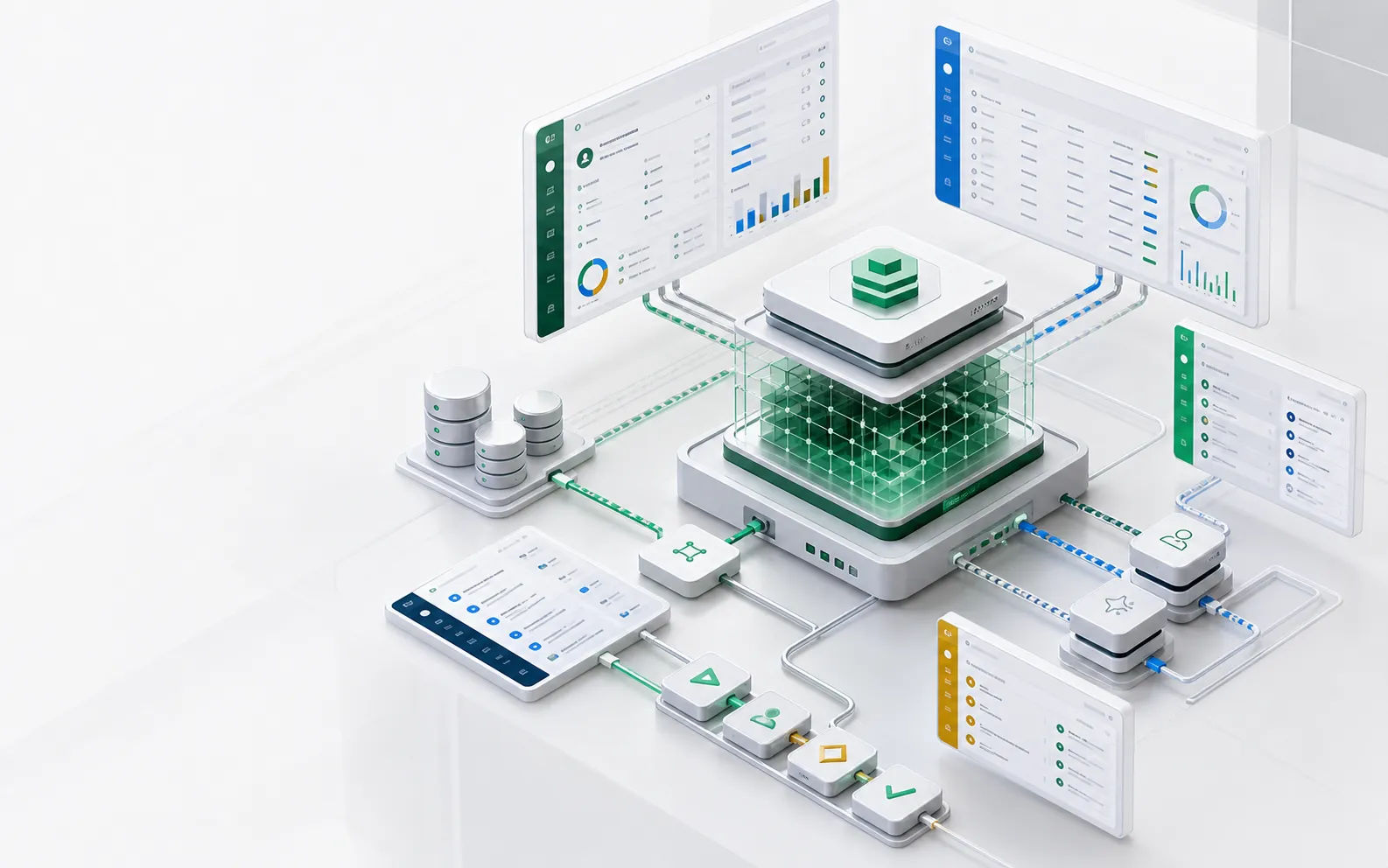
ObjectOS is designed for the procurement, security, and IT review that happens after a demo works. ObjectOS comes in three editions: ObjectOS Community, open source and free to self-host; ObjectOS Cloud, hosted in the browser with nothing to install; and ObjectOS Enterprise, self-managed on your own infrastructure. Your ontology is ordinary ObjectStack metadata. Exporting it from ObjectOS Cloud or ObjectOS Enterprise to run on the open-source ObjectStack runtime is planned. On every edition, agent authority is explicit in metadata and runtime enforcement.
- 3 editions
- ObjectOS Community, Cloud and Enterprise: open source and free to self-host; hosted in the browser with nothing to install; self-managed on your own infrastructure
- User scoped
- Agents inherit the signed-in user permissions
- Auditable
- Record reads and writes, approvals, and schema changes; the in-app AI’s tool calls on Enterprise
Security review packet
What a reviewer should receive before sign-off
A governed AI app should arrive with an architecture boundary, object authority map, approval policy, audit plan, integration list, model routing, and rollback plan. ObjectStack metadata is structured so those materials can be generated from the same source definitions.
- Deployment boundary: where runtime, database, files, identity, and models run.
- Authority map: object, record, field, workflow, action, and AI tool permissions.
- Audit plan: what is logged for people, agents, APIs, and approvals.
- Change plan: how metadata changes are reviewed, promoted, and rolled back.
Four gates
Four gates every AI action passes
Leadership asks one question: how do we stop the AI from doing something wrong? This is the answer as a checklist, and each gate links to the page that shows how it works. Undo is not on the list. The audit log shows each change old → new, but we do not claim a one-step revert of an AI action, so it does not count as a gate.
Same access as the person it works for
AI can see and do only what the person it is working for is allowed to see and do.
The same automatic checks
The rules that stop a person saving bad data stop the AI too. They run on every write, whoever makes it.
Changes to a live app wait for a person
When an app is live and holds records, an AI Builder change to it waits as a draft until a person publishes it. Flow approval steps put business decisions, such as a refund or a bulk update, in front of an approver.
Record reads and writes leave a trail
Reads and writes of records land in the same audit log whether a person makes them or the AI acting for that person. On Enterprise, the in-app AI’s tool calls are audited too.
Boundaries
Keep sensitive business data inside controlled infrastructure
On ObjectOS Enterprise, a private deployment, the runtime, your business data, user identities, audit log, files, and secrets all live in your own infrastructure; unless you configure external providers, they stay inside that boundary. ObjectOS Cloud is operated by us.
Data residency
On ObjectOS Enterprise, connect your own databases and storage: business records, identities, audit logs, and files live there, not in a vendor workspace.
License check
Self-managed ObjectOS Enterprise validates its license online (air-gapped Enterprise licenses are offline-validated). The open-source ObjectStack runtime has no telemetry, no license check, and no update ping.
Model choice
Use cloud models, private endpoints, or local models based on the sensitivity of the workflow and deployment.
Authority
AI acts through governed tools, not raw database access
The runtime evaluates identity, roles, row rules, field rules, approval policy, and action contracts before an AI tool can read or write data.
Signed-in user inheritance
AI sees what the user can see and acts only within the user authority unless an explicitly approved service role is configured.
Approval before sensitive writes
High-risk actions such as refunds, contract changes, escalations, exports, and permission updates can require human approval.
Field-level controls
Sensitive fields can be hidden, read-only, masked, or excluded from AI tool exposure even when the record itself is visible.
Decision surface
What changes, who reviews it, what runs
| Review area | Available now | Enterprise packet |
|---|---|---|
| Deployment | Self-hosted open-source ObjectStack runtime | VPC, private network, air-gapped deployment notes |
| Identity | Project identity and permission metadata; SSO / SAML / OIDC included free in the open-source framework | SCIM and identity lifecycle, admin roles, session policy mapping |
| AI governance | MCP tools, object permissions, approvals | Model routing policy and prompt/data boundary report |
| Audit | Runtime audit design and metadata review | Exportable audit retention and investigation workflow |
Review checklist
Security review checklist
- Where does each class of business data live?
- Which model endpoints can receive prompts or retrieved records?
- Which objects, fields, and actions are exposed to AI tools?
- Which writes require human approval?
- How are user actions and agent actions distinguished in audit?
- How is a bad metadata change rolled back?
FAQ
Frequently asked questions
Does ObjectOS train models on customer data?
If you enable AI features or connect a model provider, prompts, context, Customer Data, and outputs may be sent to the selected provider as necessary to perform the request. We do not use Customer Data from paid Cloud Services to train general-purpose models unless the customer affirmatively agrees or a separate agreement expressly permits it. The Privacy Policy is the governing text.
Can ObjectOS run without internet access?
Yes. ObjectOS Enterprise can operate the ObjectStack runtime in self-hosted and isolated deployment patterns. The exact model depends on package mirrors, model routing, identity, and customer infrastructure.
Next pages